CQS Smart Operations Console
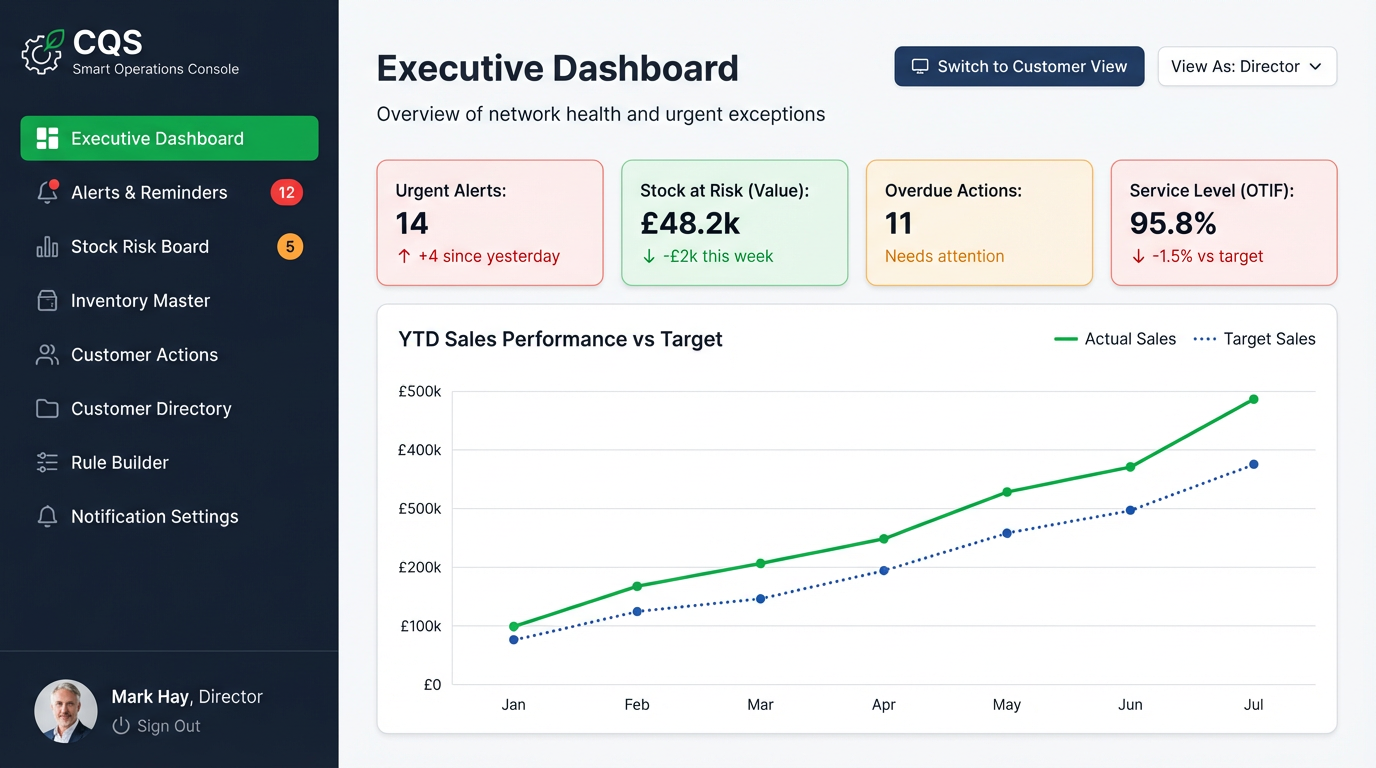
A concept operations tool built for Continental Quattro Stagioni, a UK food and beverage wholesaler. Designed to surface stock risk, track overdue actions, and give directors a clear picture of network health — in a single screen, without the noise of a full ERP.
The problem
Food and beverage wholesalers operate on thin margins and perishable stock. The gap between a good week and a bad one is often not a sales problem — it is a visibility problem. Stock going out of condition, suppliers running late, customer accounts with overdue actions, service levels creeping below target: these are all knowable problems, but only if someone has consolidated the data somewhere useful.
Most businesses in this space are running operational intelligence across a patchwork of ERP reports, spreadsheets, and WhatsApp threads. A director who wants to know their current stock-at-risk exposure has to assemble that picture manually — or rely on someone else doing it for them.
The CQS Smart Operations Console is a concept for what that consolidated view could look like: a single tool that gives the right person the right picture, and surfaces the things that need attention before they become crises.
What it does
- Executive dashboard surfaces urgent alerts, stock at risk, overdue actions, and service level in real time
- Stock Risk Board flags inventory exposure by value before it becomes a write-off or a delivery failure
- Inventory Master gives a complete, searchable view of SKUs, quantities, and supplier links
- Customer Actions tracks outstanding tasks and account-level follow-ups without needing a full CRM
- Customer Directory maintains structured records across the wholesale network
- Rule Builder allows alert thresholds and triggers to be configured without developer involvement
- Director view and Customer view modes let the console serve multiple audiences from a single instance
Product choices
The decisions that shaped this as an operational tool rather than a generic dashboard.
Director-first information hierarchy
The executive dashboard is the front door, not a secondary screen. Most ops tools bury the summary view behind granular data entry. This console inverts that — the director sees the state of the network immediately, then drills into detail when needed.
Risk surfaced by value, not volume
Stock risk is expressed in pounds, not units. A low-volume item at high margin creates more risk than a high-volume commodity running low. The console surfaces this correctly rather than treating all stock alerts as equal.
Configurable alerts without engineering
The Rule Builder lets threshold logic be owned by operations management, not IT. In a fast-moving wholesale environment, the person who knows the risk is rarely the person who can write a query — so this layer matters.
Dual-view mode for different audiences
The toggle between Director view and Customer view reflects a real workflow: the same underlying data serves an internal ops user and an account manager visiting a customer. The same tool, shaped differently for context.
Scope boundaries — and why
The things that were deliberately left out of this concept phase.
About the concept
This was built as a rapid concept demo using AI-assisted prototyping to explore what a purpose-built operations console for a wholesale food and beverage business could look like. The brief was not to build production software — it was to make the idea concrete enough to evaluate, discuss, and pressure-test with the people who would actually use it.
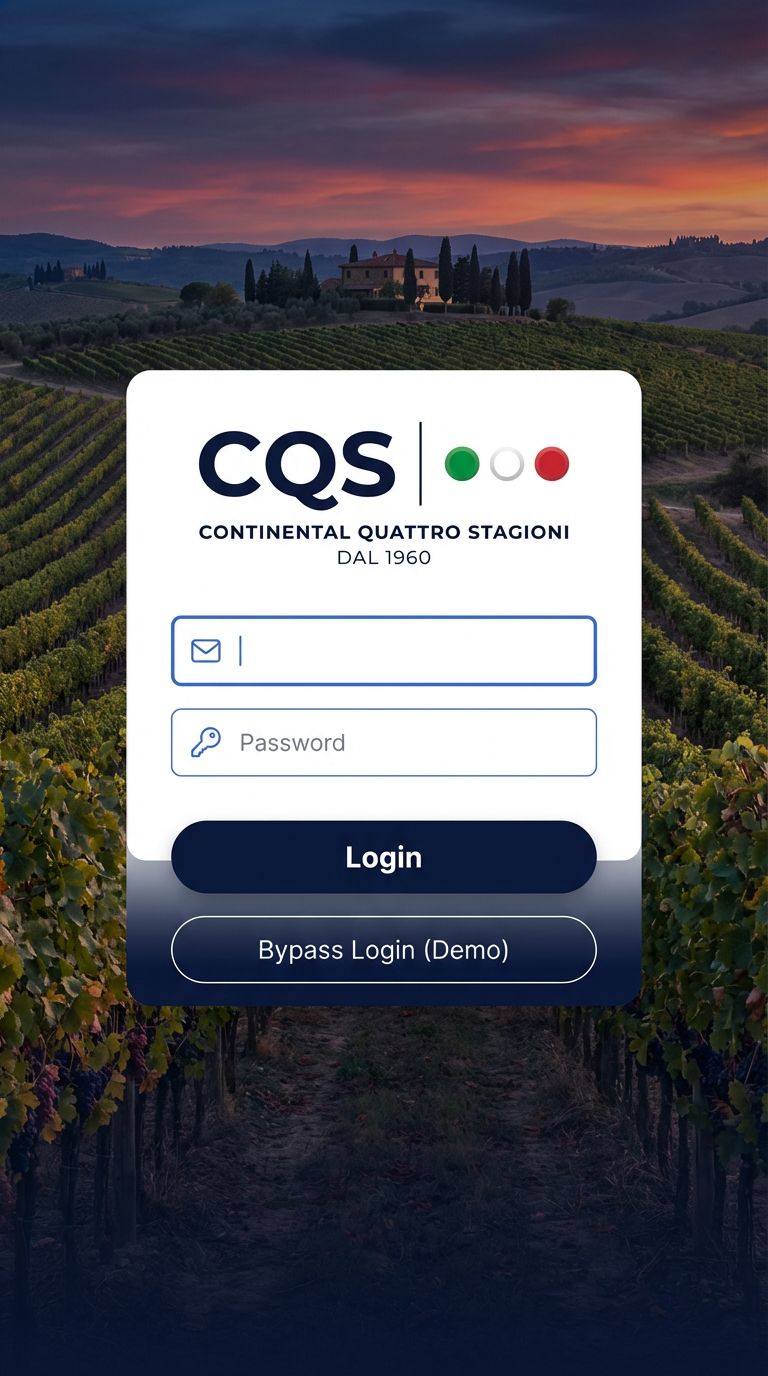
The demo includes a bypass login for evaluation without credentials. All data shown is illustrative and representative of the domain, not drawn from live systems.
What worked
- The executive dashboard communicates operational health clearly in a single view
- Stock risk by value is a more honest framing than alert counts alone
- The domain vocabulary — OTIF, Stock Risk Board, Customer Actions — reflects the real language of wholesale operations
- The dual-view mode demonstrates product thinking beyond the obvious single-user tool
Natural next steps
- ERP integration mapping to define the real data sources and transformation requirements
- Supplier portal as a second module once the internal console is validated
- Refined alert triage workflow with one-click resolution and escalation paths
- Mobile-optimised view for field-based account managers outside the warehouse
Explore the concept
Open the console and use the demo bypass to explore the dashboard, stock risk board, and inventory features without needing credentials.
Back to all projects
Browse the full portfolio